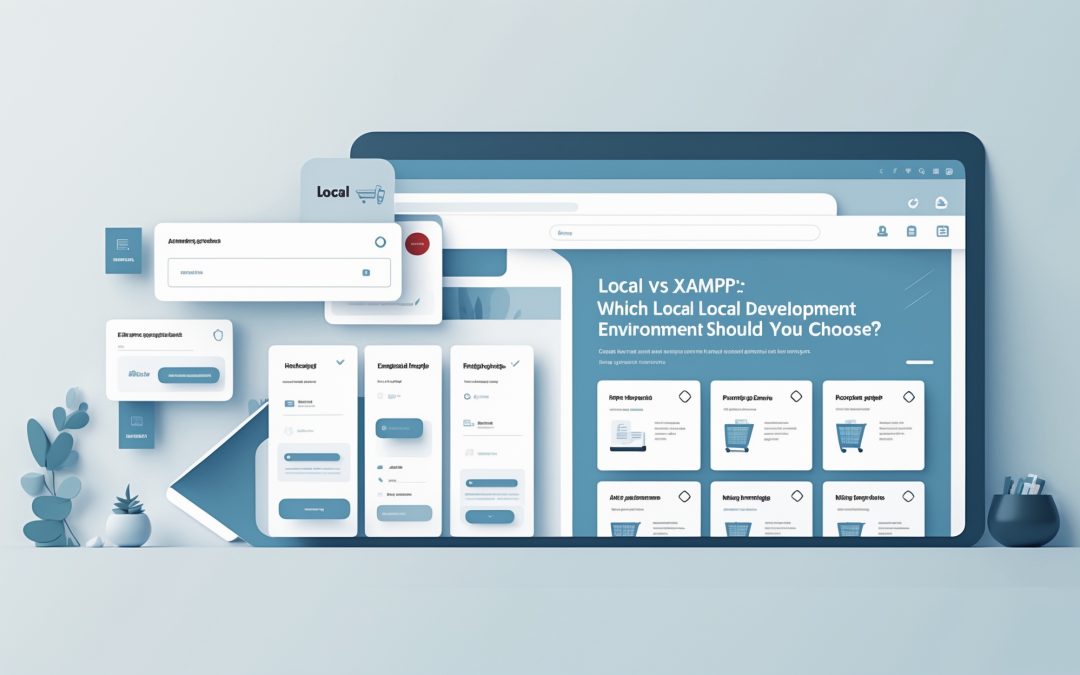
Local vs XAMPP: Which Should You Use for Local Development?
When it comes to choosing a local development environment, the options are as plentiful as they are convoluted. It’s not just a matter of picking one and running with it; it’s akin to diving into a vast ocean filled with both potential treasures and lurking dangers. Today, I’m pitting two titans of the local development world against each other: **Local** and **XAMPP**. ⚔️
I know that for anyone building websites locally, the choice between these two free solutions can feel daunting. Fear not! This guide will peel back the layers, showcasing what each platform offers, their features, advantages, and most importantly, the differences that might make your head spin if you’re not careful.
Setup: The Battle Begins
Let’s kick things off with the setup process, shall we? Both Local and XAMPP are free to use, serving as gateways for developers and coders everywhere to test their enchanting web creations. Yet, their setup processes present stark contrasts.
**Local**: First, I traipsed over to the Local website and downloaded the fitting version for my operating system. Like a well-oiled machine, the installer guided me through the motions, asking for my language preference and a quick agreement to terms like some modern-day digital contract. 🎉 I could almost hear the software whispering sweet nothings to me as it installed seamlessly.
**XAMPP**: In comparison, the XAMPP journey was a little bumpier. I made my way to the official site, where the installation was akin to throwing a surprise party for my computer—lots of options to choose from, like components (Apache, MySQL, PHP, and Perl) that felt more like assembling a tech-savvy IKEA flat-pack than a smooth software install. Once I connected the dots and set everything up via the XAMPP control panel, I felt like I’d emerged from a tech tutorial combat zone, a little bruised, but victorious.
In the end, Local provided an easier, more streamlined setup, while XAMPP, though accessible, beckoned for a more nuanced, hands-on approach.
Creating Development Sites: A Tale of Two Methods
After navigating the initial storm, setting up a development site is where the real adventure lies.
**Local**: With a simple click of the “Create a New Site” button, I was off to the races. Entering the site name and specifying local domains felt like I was decorating a digital home. I quickly selected whether I wanted the Preferred or Custom environment, feeling as if I could choose my building materials. And poof! Local automatically installed WordPress, requiring me simply to drop in my admin credentials and gain access to my WordPress dashboard. Euphoria radiated through my veins. 💻
**XAMPP**: In stark contrast, the XAMPP setup was like wrestling an octopus on a hot summer day—extremely manual and full of twists and turns. First, I had to launch the XAMPP Control Panel, firing up Apache and MySQL like I was revving up a mechanical beast. After downloading WordPress and wrestling it into XAMPP’s htdocs folder, I was left to set up a database using phpMyAdmin—yes, go find localhost/phpmyadmin and embrace the beauty of database management manually. Only once everything was in place could I proceed to localhost/your_site_name to complete the WordPress installation.
This process left me with a sense of achievement, but also a reminder that I wasn’t just toying with fluffy clouds; I was deep in the server management weeds.
The User Interface: Aesthetics and Usability
User experience matters immensely, and I must say the interfaces are night and day.
**Local**: The interface felt delightful, neatly divided into three sections: Sites, Blueprints, and Add-ons. This was a design that had clearly thought about users! Managing site details with only a few clicks felt like driving a luxury car—everything to hand, nothing to worry about. Plus, the easy access to SSL status and PHP versions comforted my developer’s heart.
**XAMPP**: On the flip side, XAMPP’s user interface struck me as more utilitarian, fronted by its rather no-nonsense control panel. Sure, it’s functional—shutting down services felt straightforward—but without an integrated interface for site-specific management, it felt like I was trying to navigate a ship without detailed maps. The hands-on experience here was raw and gritty—more suitable for users with technical inclinations.
The Verdict: Which One to Choose?
After delving into the depths of Local and XAMPP, it’s clear that both have their strongholds. Yet, I find myself gravitating towards **Local**—particularly if you’re a WordPress developer. It’s user-friendly, with streamlined functionalities that cut through the noise and let me do what I love: developing. Its integration with SSL, seamless WordPress installation, and the ability to share work via Live Link stand out as game-changers.
Conversely, XAMPP is better for those who want more hands-on control and are unafraid of rolling up their sleeves to manage every intricate detail.
So there you have it! In the battle of Local vs. XAMPP, which do you champion? Drop your thoughts and experiences in the comments below! I’m all ears. 🔊