Unleashing Creativity: Building Custom Menus with Divi 5’s Link & Dropdown Modules
I am convinced that one of the keys to a successful website lies in its navigation. When navigating through the endless sea of content online, the last thing you want is a cumbersome menu that leaves visitors lost at sea. Enter Divi 5, a game-changer in the realm of custom menus. With features like the Link and Dropdown modules, it’s time to say goodbye to the restrictive shackles of the classic Menu module.
The Evolution of Menu Design
Now, let’s be clear: the classic Menu module has served its purpose. I could wax poetic about its functionality, but to be frank, it’s an all-in-one solution that can feel a lot like a pre-packaged meal—convenient but lacking the spice that defines a truly unique dining experience. With Divi 5, it’s as though the chefs have finally decided to let us into the kitchen, offering fresh ingredients and endless possibilities. 🌶️
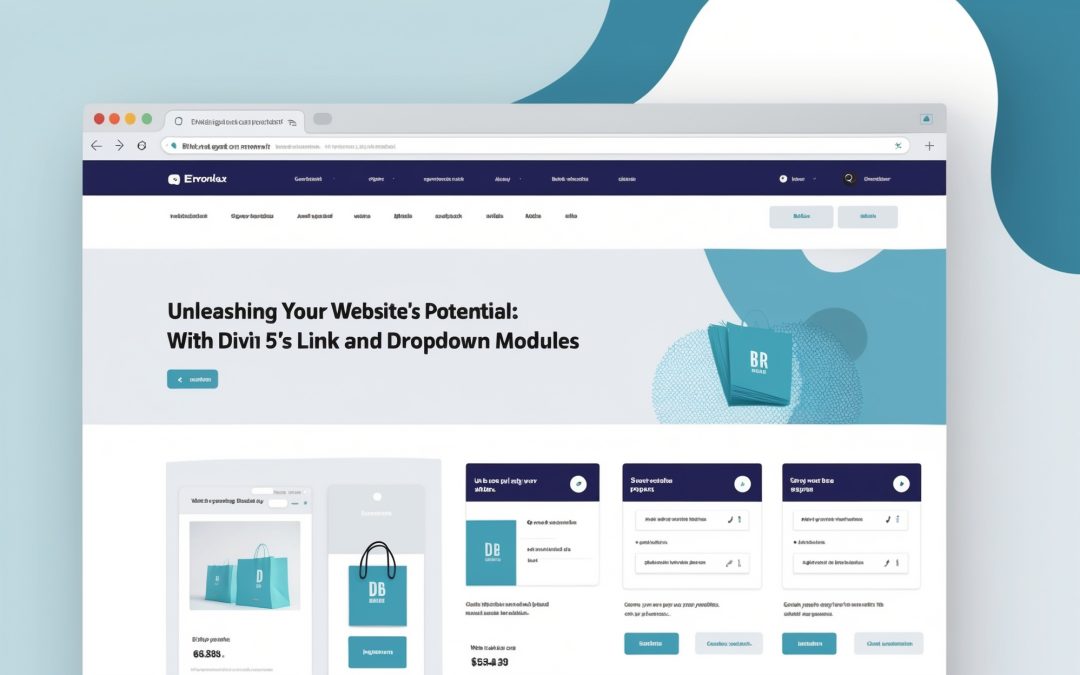
The new Link and Dropdown modules allow for total creative freedom in crafting custom menus. These tools are not just an upgrade; they are an invitation to explore your website’s full potential, ensuring that each navigation element reflects your unique brand identity.
What’s New? A Closer Look at Link and Dropdown Modules
Imagine this: you’re stuck in a crowded elevator, pressed against strangers, trying desperately to press the right button to reach your destination. That’s how I feel when using traditional menu systems. However, with the Link and Dropdown modules, it’s as if you’ve stepped into a beautifully designed space where everything is just within reach.
**Link Module:**
The Link module allows you to create individual links that can stand alone or integrate within larger structures. You can control everything from the font size to the colors, making it easier to achieve that perfect blend of aesthetics and usability. A menu should not only guide; it should dazzle. ✨
**Dropdown Module:**
Then there’s the Dropdown module, which takes your navigation to new heights. With it, you can create submenus that not only expand your options but do so with style. The animation effects can be customized, meaning you can choose how your dropdowns unfold—a seamless dissension or a more dramatic reveal. Either way, functionality meets flair here.
Crafting Your Menu: Steps to Success
So, how do we harness this newfound power? Strap in, because here’s my guide to creating custom menus that turn heads and navigate with ease.
**1. Start with a Blank Canvas:**
Choose where you’d like to implement your menu, be it in the header or a specific section of your page. Start from scratch, giving you full control over the layout without any conceptual baggage.
**2. Choose Your Modules Wisely:**
Select the Link module for standard menu items and the Dropdown module for items that warrant further exploration. The flexibility of choosing between these modules opens up creative pathways—no need to compromise on design.
**3. Customize with Precision:**
Dive deep into the customization options. Change the colors, fonts, and sizes to ensure the menu meshes seamlessly with your site’s theme. Get funky with hover animations—make every interaction pop. You don’t want your visitors treating your menu like a bad Tinder date, swiping left without a second glance. 😅
**4. Test for Usability:**
Ensure your menus are user-friendly. Test them on mobile devices; after all, we’re living in a world where our pocket-sized screens dictate our browsing behavior. If it doesn’t work well on mobile, it’s almost as if it doesn’t exist at all.
**5. Gather Feedback:**
Sometimes, we’re too close to our creations to see flaws. Don’t be afraid to ask for opinions. Your audience’s reaction could reveal insights you’d never considered.
A Final Word on Navigation Excellence
In the tumultuous waters of web design, navigating your visitors effectively should not be an afterthought. The Link and Dropdown modules in Divi 5 are the tools that allow for an experience both enriching and engaging. If you’re like me and you understand that a website is more than just a collection of visuals and text—it’s an experience—then it’s time you stepped beyond the limitations of the classic Menu module.
I think if we embrace the tools and techniques that Divi offers, we can craft web experiences that not only direct traffic but captivate our audience, drawing them into our virtual realms. So, roll up your sleeves and jump into the world of Divi 5—it’s an adventure waiting to happen! 🌍