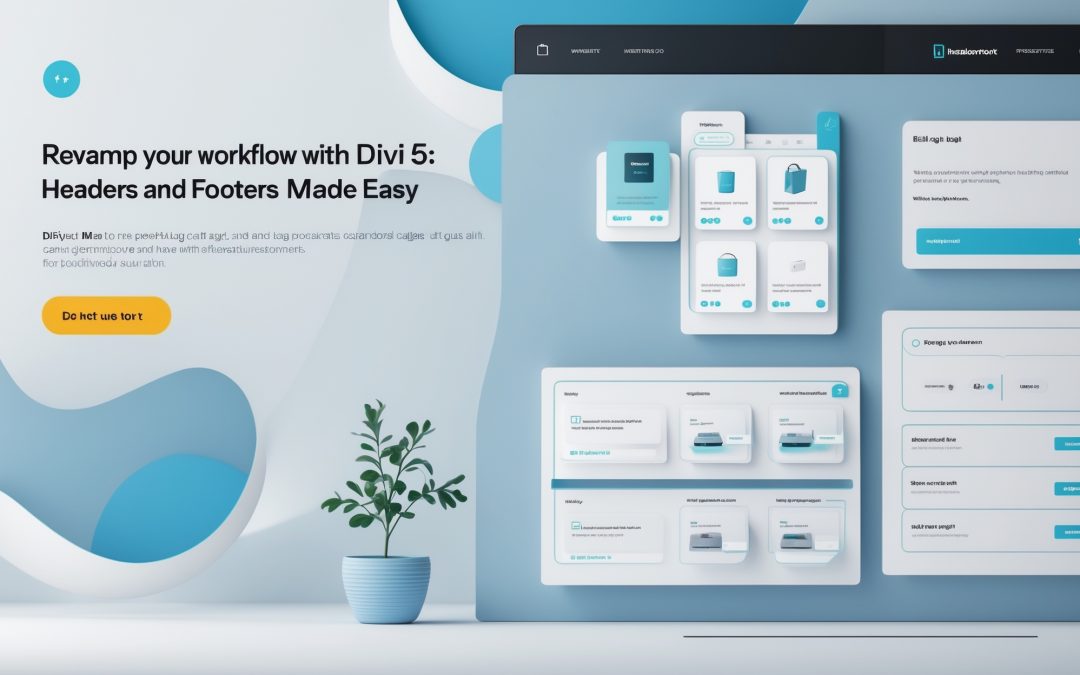
Revamping Your Workflow: Editing Headers and Footers Faster with Divi 5 Editable Areas
I think we can all agree: headers and footers are the unsung heroes of any website. They’re like the well-worn paths in a forest—used, but often overlooked. Yet, as we navigate our way through a myriad of updates—like a splash of color here, a new link there—it’s these monumental little updates that gnaw at our workflow, causing unnecessary interruptions and frustration. In the landscape of Divi 5, however, everything is about to change. 🔄
The Pain Points of Traditional Editing
Previously, those seemingly innocuous changes—a logo update, refreshed contact details, or a snazzy new footer link—would mean delving back into the depths of a cumbersome editing interface. It was like unearthing an old scarab beetle from a time capsule of poor UX. Every time I needed to make an adjustment, I could feel the hours slipping away as I jumped through interface hoops reminiscent of a circus act gone wrong. The cycle of editing was exhausting—admittedly, an exercise in futility that could drive anyone slightly mad.
I know what you might be thinking: Surely there must be an easier way! Thankfully, with the introduction of Divi 5’s editable areas, we can kiss those frustrating experiences goodbye. The new approach to header and footer editing promises not only ease but also a streamlined workflow that allows for frequent changes without the headache.
Introducing Editable Areas
Divi 5 brings a delightful twist to the mundane through its concept of editable areas. Imagine having designated sections just waiting to be fine-tuned—be it your brand’s logo, contact information, or even social media buttons. With this tool, I can edit these components directly from any page or post, shrinking the editing workflow from a long slog to a sprightly jaunt. 🏃♂️
No more awkwardly juggling between multiple screens or tools; everything is concentrated right where I need it. The best part? You can see changes in real-time without the painstaking refresh like we used to endure. It’s as if someone handed me an instant coffee fix instead of forcing me to brew a full pot every time I needed a pick-me-up.
How It Works: Understanding the Mechanics
So how does this magical ‘edit on-the-go’ experience work? In Divi 5, the headers and footers are compartmentalized into editable areas—defined sections that represent pieces of your design puzzle. When I hover over these areas, I can modify, replace, or swap out elements without disrupting the page I’m working on. Gone are the days of losing concentration halfway through a task only to find myself knee-deep in endless back-button presses on a disjointed editing interface.
To make this even sweeter, the updates I make are automatically standardized across all pages using that template. For anyone who has ever been ensnared in the web of editing, you’ll feel a sense of relief wash over you as these changes cascade seamlessly across your site 🌊. Talk about a win-win!
Streamlining Your Efforts
I understand that for many of us, efficiency is the holy grail. Time is a precious commodity, and the more we can reclaim in our digital endeavors, the better. With Divi 5’s editable areas, it’s as if you’ve been handed the keys to the efficiency express. No longer are headers and footers tasking you with their burden; they’ve transformed into an agile and fluid part of the design process.
I’m a firm believer in the idea that every small change contributes to the greater whole. So when I update a footer link or change a logo, I’m not just making a solitary change; I’m enhancing the totality of my site’s user experience. 🌟 This perspective is empowering.
Conclusion: An Elegant Shift in Design
In the grand tapestry of web design, headers and footers have long held a silent significance. With Divi 5 and its fabulous new editable areas, not only is the editing experience significantly improved, but my design workflow has transformed into a beautifully orchestrated symphony of efficiency.
The days of repetitive, tedious tweaks are now behind us. I can embrace a future defined by streamlined openings and actionable areas—an interface that reflects the rhythm of a well-oiled machine. 🔧 So go ahead, break free from the shackles of outdated methods. Dive into Divi 5, embrace these new possibilities, and let your headers and footers sparkle with newfound energy. The revolution in your workflow awaits!