
Crafting Your Own Timeline Carousel With Divi 5: A Complete Guide
As someone who’s often ensnared in the wonders of web design, I relish the times when I stumble upon something ingenious. Enter the Timeline Carousel, a revelation that transforms the tedious task of displaying brand milestones into an artistry of storytelling that visitors can’t help but engage with. In fact, I’d argue that if your website doesn’t tell your story, you’re not really going to captivate your audience. 🤔
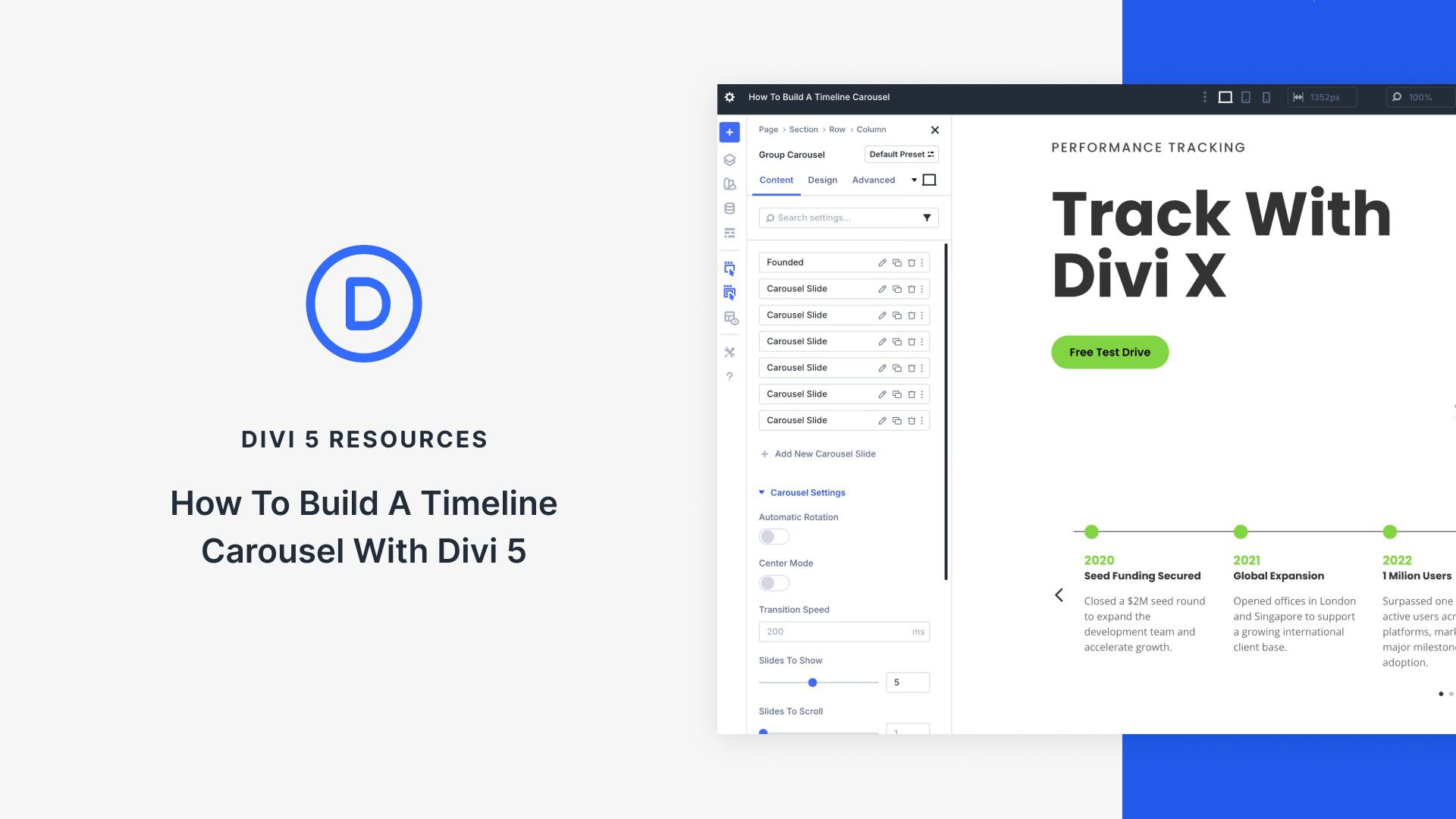
Why Use a Timeline Carousel?
In a world saturated with blogs, vlogs, memes, and every other conceivable form of information overload, making your message stand out is more critical than ever. I know how essential it is to break the monotony of text-heavy content. A timeline carousel does just that by providing a visual dynamic—engaging your visitor while presenting information clearly and concisely.
From showcasing pivotal project milestones, celebrating company anniversaries, or charting the evolution of a product, the Group Carousel module in Divi 5 brings your narratives to life. I find it fascinating how a simple scroll can encapsulate years of hard work, evolution, and success in a compact, digestible format. 🎉
Let’s Get Started: Building Your Timeline Carousel
Now, if you’re still with me (and I sincerely hope you are), let’s get into the nuts and bolts of creating your own mesmerizing timeline carousel. To begin, the Group Carousel module is your best mate. Allow me to walk you through the process:
Step 1: Setting Up Divi
First, make sure that you’re working with the latest version of Divi 5. You wouldn’t want any compatibility issues to spoil your grand design plans. Once you have that set up, create a new page or post where you want to feature this delightful timeline.
Step 2: Adding the Group Carousel Module
Next, access the Divi Builder and select the option to add a new module. I often find myself hovering over all those options, but the Group Carousel will be your guiding star here. Drag and drop it into your layout.
At this stage, you’ll have a blank slate before you. The carousel needs content, and I’m not talking about just any old drivel. Aim to fill it with milestones that matter—perhaps the launch of a groundbreaking product or a cherished partnership that shaped your brand.
Step 3: Customizing the Design
Here’s where the magic happens! Spend some time tweaking the design settings to align with your brand identity. You can control the colors, fonts, and even add images—because let’s face it, no one wants to read endless paragraphs without a little eye candy.
I often recommend a balance of text and imagery. Choose strong visuals that narrate your story while ensuring that your text supports rather than overwhelms. Remember, succinct is the name of the game; think headlines and pull quotes rather than essays.
Step 4: Implementing Scrolling Effect
One of the features that makes the timeline carousel captivating is the scrolling effect. Dive into the carousel settings and check the box for automatic scrolling. This option is ideal for keeping your audience engaged without them having to lift a finger.
However, too much automation can feel like being trapped in an endless loop of cat videos; it’s tempting, but your audience still likes to control their own experience. So consider offering manual navigation buttons to enhance user control.
Sharing Your Timeline Carousel
Once you’ve crafted your carousel, it’s time for the moment of truth: publishing. It’s always a exhilarating moment, akin to watching a movie you created hit the silver screen. Share it across your social channels, and watch the intrigue unfold. But don’t just share; also collect feedback. I always say that constructive criticism is the broth in the soup of growth.
Incorporate insights and reactions, and iterate on your timeline carousel to ensure it remains a relevant storytelling tool for your audience.
In Conclusion: The Power of Storytelling
In this world of constant scrolling and rapid-fire consumption, what remains timeless is a well-crafted narrative. The timeline carousel you’ve built with Divi 5 isn’t just a fancy piece of design—it’s a stage for your brand’s saga.
So there you have it. You are now equipped to add another layer of sophistication to your website—a timeline carousel that’s not just visually appealing but brings your brand’s achievements to the forefront. Forget about dull text and straightforward formats; let’s engage our visitors using the time-tested art of storytelling. After all, who doesn’t love a good story? 🚀