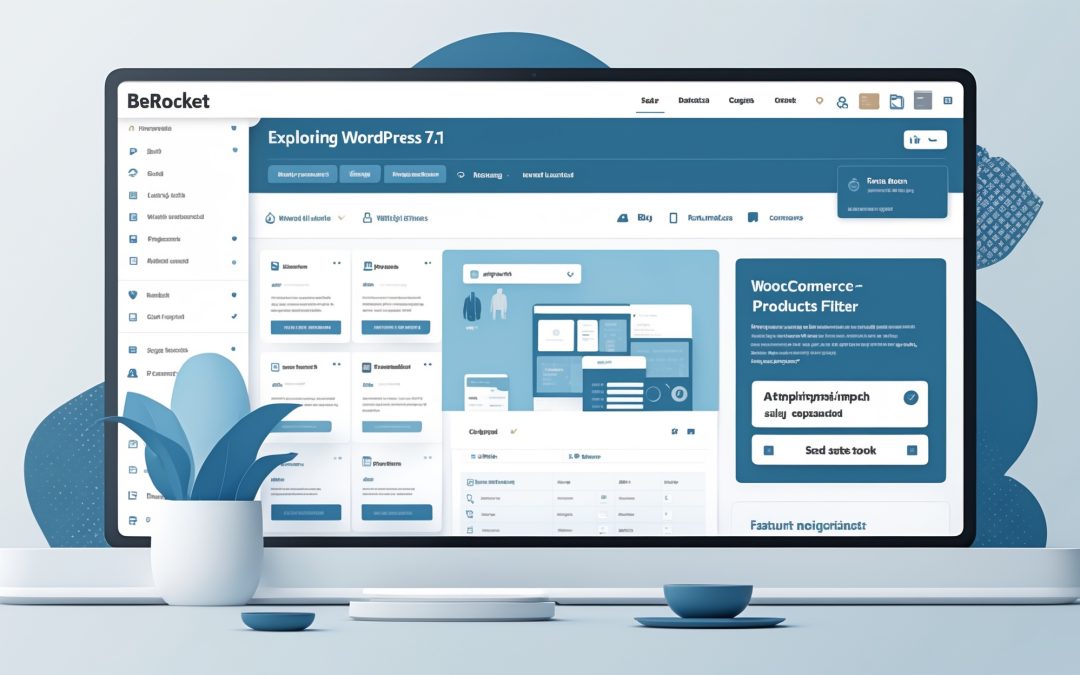
WordPress.com Changelog: The Hosting Dashboard, ChatGPT Plugin, and WordPress 7.1 Review
Welcome back, fellow digital explorers! Today, I’d like to dive deep into the glimmer of new features sprouting in the lush garden of WordPress.com. If you’ve ever fumbled around between sites like a sleep-deprived raccoon rummaging for snacks, you’ll appreciate the changes we’re about to dissect. 🌱
A Revolutionary Hosting Dashboard: Streamlining Your Workflow
First up is something that has astounded me—*the Hosting Dashboard*. Switching between sites used to feel about as seamless as a nightmarish first date, filled with awkward silences as I navigated through the same menus, attempting to unscrew the screws that were apparently stripped. You know that feeling? That moment when you realize that what should have taken a minute instead took an eternity.
Now, however, we have a persistent sidebar and top bar effortlessly following you through your site management adventures. This clever little addition ensures that your domains, hosting details, updates, and performance stats are always a quick glance away, irrespective of how many sites you juggle. I can practically hear the collective sigh of relief from frustrated users who spent countless hours suffering through what should have been an easy management experience. 🙌
Dive into your Hosting Dashboard here!
Meet Your New Writing Companion: ChatGPT
As if that wasn’t enough, WordPress.com has added a nifty feature for those of us who fancy a chat—*the ChatGPT plugin*. This is like having a friendly, slightly quirky assistant ready to cater to your blogging needs, a digital sidekick who types at lightning speed.
Now, you can ask ChatGPT to draft posts, categorize them, moderate comments, complete various SEO tasks, and even fix missing alt text—all through a conversation that feels remarkably organic. Imagine collaborating with your digital assistant while enjoying a cup of coffee. Ah, the future! ☕️
What’s more, there’s a comforting layer of control wrapped around the chaos: nothing gets published without your explicit nod. For paid plans, accessing this feature is a given, while free users have an enticing 30-day trial to get them hooked—because who wouldn’t want to work with AI that helps untangle the mess of blog management?
WordPress 7.1: An Upgrade Worth Celebrating
And let’s not forget WordPress itself—*WordPress 7.1 has officially landed*. It zipped onto the scene on August 19, ready to elevate your website to new heights without lifting a finger. Now, I know a fresh release usually comes with a bundle of features that may feel akin to an avalanche, but two standout offerings caught my attention.
First, WordPress 7.1 allows you to share a specific revision of a post with collaborators or clients. Yes, that’s right! The painstaking struggle of walking someone through every update is finally over. Now you can simply hand over a link. Thank you, WordPress, for finally giving us a break from the constant narrative feedback loop!
Secondly, the system automatically approves notifications when one post links to another on your site. This means your moderation queue can now concentrate on comments that truly scream for your attention—a delightful pivot away from unnecessary hassle. 🎉
Ongoing Fixes and Improvements
Let’s wrap up with a flourish by touching upon some other fixes and improvements that have rolled out over the past weeks efforting to polish the WordPress experience even more.
– There’s now enhanced protection against unauthorized email changes—a small but vital addition to security.
– Account management has been simplified with new settings for Slack integration, making sure communication remains streamlined and effective.
– Backup flows have improved considerably, warning users about any potential charges during restore actions. It’s like a heads-up just before a roller coaster drops!
– Staging sites are now hidden by default, ensuring that your main site list remains a tad less cluttered—an absolute win for all of us who have more staging sites than we wish to admit.
– And did I mention each track in your Playlist block now has its own toolbar? Customization galore!
Feeling overwhelmed yet, or perhaps relieved that someone out there is listening to the pleas of frustrated users like us? Either way, it’s clear to me that WordPress is continually evolving, adapting to our needs and giving us tools that genuinely make managing a website less of a chore and more of a delight. 💡
So, are you ready to dive into this brave new world? I know I am!