The Exciting New Features of Divi 5: Preset Manager, Preview, and More!
I know that as a passionate web designer, you’re always on the lookout for tools that simplify your workflow and enhance your creativity. Well, rejoice, dear readers, because I am thrilled to share the latest nuances of Divi 5! 🎉 With the introduction of the Preset Manager, Preset Preview, and the long-awaited Import & Export functionality, the realm of web design just became a whole lot easier. Let me take you through this exhilarating journey.
Meet the Preset Manager
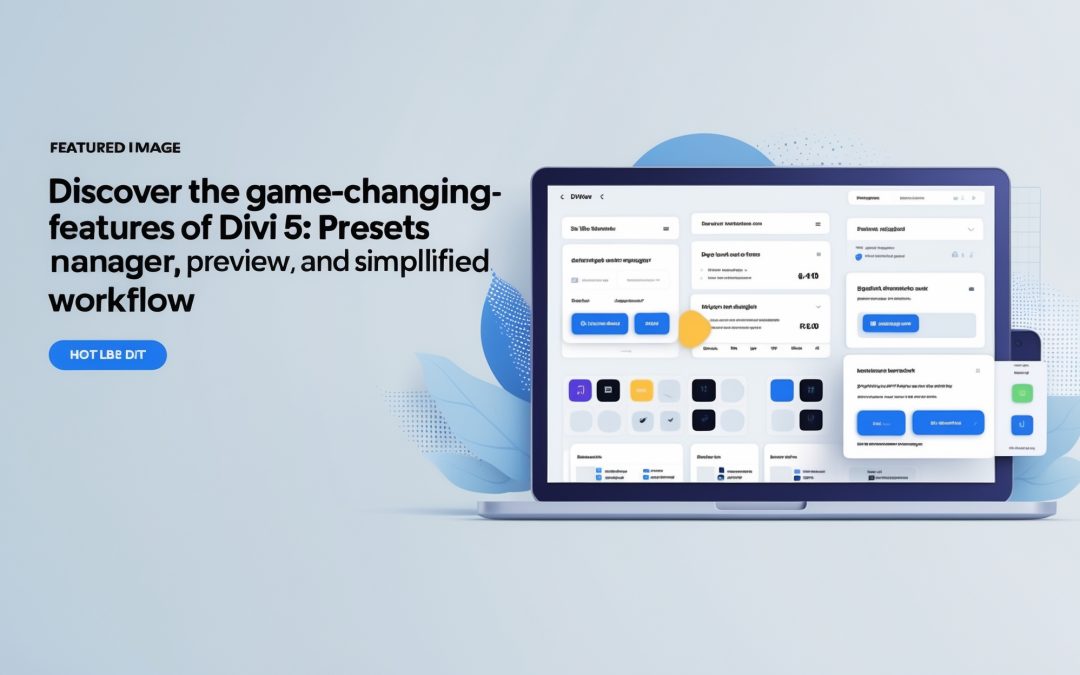
Let’s dive right in, shall we? The new **Preset Manager** is like having a magic toolbox at your fingertips. Gone are the days of browsing through endless options to apply styles and settings to various elements of your page. Now, everything is streamlined into one cohesive platform. Imagine being able to manage all your presets with a flick of the wrist!
I understand that design can often feel overwhelming, but the Preset Manager bravely steps in to rescue you from the chaos. It groups your presets in an organized manner, allowing you to edit and review changes without snagging your creative process. This is a game-changer for those of us juggling multiple projects simultaneously.
Visualize Your Creativity with Preset Preview
But wait, there’s more! The new **Preset Preview feature** allows you to see your changes live before they go “live.” It’s akin to peeking through a window to glimpse a work of art before it’s unveiled. Trust me; this function is a sheer stroke of genius. I can vividly remember times when I had to guess whether a color combination would work or if a particular layout was too busy! The agony!
Now, whenever I tweak a setting, I can use the preset previewer to get an immediate visual response. It’s like having a design muse by my side, whispering ideas into my ear as I click and adjust. This feature is instrumental in fostering an environment where creativity flourishes unimpeded. Simply put, you can make quick decisions and adjustments based on real-time feedback. This is hands-down one of the most valuable additions for designers plagued by analysis paralysis.
Importing and Exporting Made Easy
And just when I thought it couldn’t get better, Divi 5 has rolled out **Import & Export functionalities** for presets and variables. This means that I can share — and receive — my design genius with my peers effortlessly! If you’ve ever laboriously crafted a stunning style only to have it trapped in your project, those days are over.
Imagine having the ability to import stunning presets crafted by someone else. It’s like raiding the craft shop of a fellow designer whose taste you admire. I know how precious time is in the creative world, and being able to import presets means I can save heaps of time while equally elevating my designs. Why toil away when others have already forged brilliant paths? The collaboration opportunities here are limitless, and I feel this strengthens the design community as a whole.
Streamlining Your Workflow
Ultimately, what these features bring to the table is a streamlined workflow. I think we can all agree that the modern designer’s life is filled with countless distractions that sap our creative energy. With tools like the Preset Manager and Preview, we’re handed the power to focus on what truly matters: our artistry.
Now, I’m not suggesting that these features will magically remove every challenge we face as designers—because, let’s face it, that’s not how creativity works—but they certainly lay down the stepping stones toward a more efficient process. They give us the freedom to experiment, tweak, and fine-tune our designs in a way that feels both deliberate and liberated.
Final Thoughts
I believe that the introduction of the Preset Manager, Preset Preview, and Export & Import capabilities in Divi 5 represent a significant leap forward in the world of web design. These features morph the design experience from mundane to extraordinary, allowing us to explore our creative potential without the typical constraints. So, here’s to easier designs! Here’s to collaboration! And here’s to creating stunning websites with confidence! Cheers to Divi 5! 🍾
With these powerful tools, I can’t help but feel a renewed sense of enthusiasm for my design projects. Let’s embrace these changes and let our creativity sparkle on digital canvases. After all, in a world overflowing with noise, let’s not forget that beauty lies in the details—efficiently managed, of course!