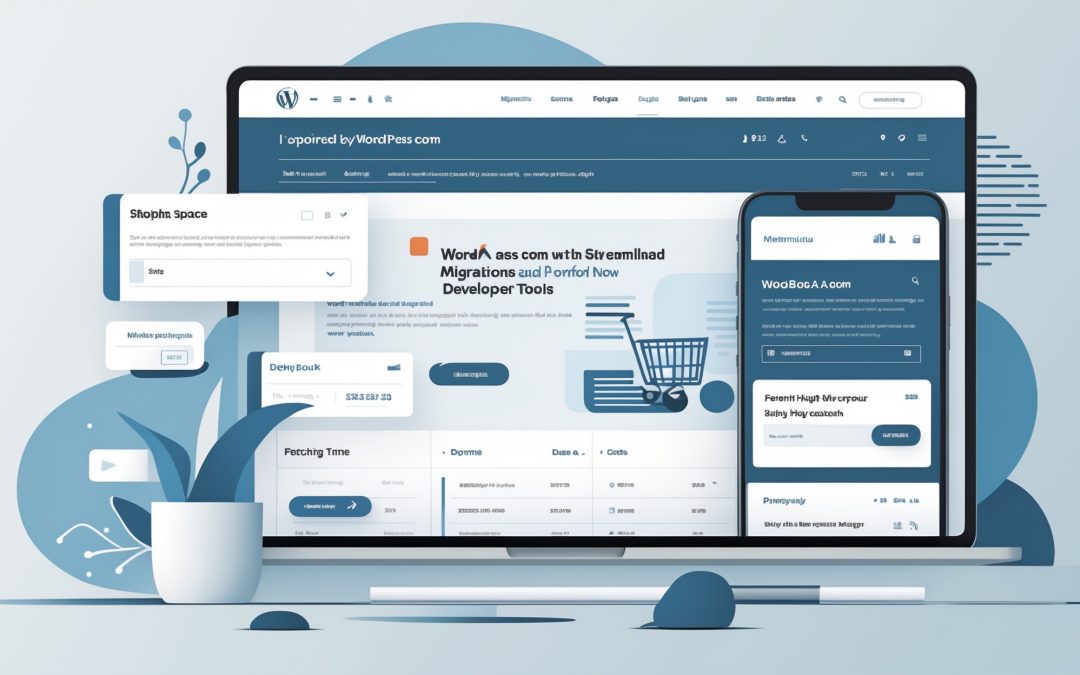
WordPress.com Updates: More Control, Easier Migrations, and Developer Tools Galore
Welcome back, dear readers, to this little corner of the digital world where we dissect the latest happenings at WordPress.com. In the recent changelog, the developments tickled my cerebral cortex, igniting a flurry of thoughts that I just can’t keep to myself. So, sit tight as I sift through the key changes and give you my take on why they matter.
Migrating Made Easy: A Click and a Paste
I’ve got to hand it to WordPress.com; they’ve made migrating your site more streamlined than a puppy on a slip-and-slide. For those of you tethered to platforms like Wix, Squarespace, or any other less-than-stellar service, you’ll be thrilled to know that making the leap to WordPress is as simple as pasting your site’s address into a designated field on WordPress.com. It feels almost too good to be true, doesn’t it? 🤔
Imagine this: no more agonizing over starting from scratch or meticulously transferring files one by one. Instead, you pick a plan that suits your whims and desires, and the folks at WordPress handle the rest. The move runs in the background, and you are notified when it’s done. If complications arise, a support team is ready to swoop in, or your money is gracefully returned. It’s an impressively customer-centric approach, and let’s be honest, who doesn’t want to save a few gray hairs while making such a transition?
Developer Tools: Now for Everyone
Another development that’s captured my attention is the expansion of developer tools to every paid plan. Previously, if you wanted the robust tools like SSH, WP-CLI, or GitHub deployments, you were saddled with a Business plan and above. That’s now history. I feel as though WordPress.com has thrown open the gates, offering a veritable smorgasbord of tools to help us tackle our websites more decisively. 🎉
If you’re anything like me, having the ability to deploy from GitHub or run commands without waiting for tech support feels like donning a superhero cape. It means you can fix those pesky plugin issues without having to ride the proverbial support ticket rollercoaster. The all-access pass to development tools is about breaking down barriers and emphasizing self-reliance—an empowering notion in the chaotic world of web management.
AI: Your New Assistant in Site Management
Now, let’s talk about AI—yes, that buzzword that has infiltrated every conversation, from coffee machines to literary pursuits. And now, it’s lending a hand in managing your WordPress.com site as well. I can’t help but think about the implications. If you’re connected to an AI assistant like ChatGPT or Claude, it can now manage far more intricate aspects of your site—from updating domains to digging into server logs. It feels a bit like having a personal assistant who doesn’t require coffee breaks.
However, with great power comes great responsibility. You get to dictate how much control you share with your AI—whether you want it taking the reins like a wild stallion or just nudging the carriage along. Do we trust an AI with our precious site management? That’s a question for the philosophical brunch table, I know, but it adds an interesting twist to how we interact with technology.
Enhanced SEO Management: All in One Place
And while we’re on the topic of nifty updates, WordPress.com has smartly unified SEO and AI crawler settings under one roof via Jetpack. This ensures that setting your site identity, spotting SEO gaps, and controlling who can crawl your site is a straightforward affair. For those who’ve ever wept into their keyboard because they forgot about SEO, this is a long-overdue boon. SEO settings can feel like the final boss in a video game, and having them conveniently located eases the pain of optimization like a soothing balm.
Fixes and Improvements: Tidying Up the Edges
Of course, this changelog wouldn’t be complete without the patchwork of fixes that make the WordPress.com experience a smoother ride. Whether it’s fine-tuning the text in your domains list or ensuring your images retain their charm after reverting to the original, these small adjustments contribute to an overall polished experience. Nobody wants to feel as though they’ve stumbled into a hidden sector of the internet filled with broken features and lackluster support.
Conclusion: A Bright Future for WordPress.com
All in all, I’m left with a sense of optimism as I sift through these updates. WordPress.com isn’t just resting on its laurels; it’s actively seeking to enhance user experience, streamline processes, and embrace emerging technologies. At a time when digital presence is vital, these updates should resonate with both seasoned web authors and newcomers alike. So here’s to smoother migrations, robust developer tools, and a brighter, AI-enhanced future for our trusty WordPress.com sites! 🌐