Transforming Your WordPress Experience: The Latest Features Unveiled
August 2026 has proven to be a pivotal moment for WordPress.com, like that exhilarating jolt of caffeine on a Monday morning that promises productivity and excitement. From a revamped Hosting Dashboard to the integration of AI with ChatGPT, there’s a fresh wave of updates that could either reassure the seasoned user or intimidate the newbie. Regardless of where you stand, I’m sure you’ll find something worth noting.
The New Hosting Dashboard: Your Command Center
I can’t help but revel in the brilliance of the newly introduced Hosting Dashboard. You see, managing multiple sites used to be akin to juggling flaming torches while riding a unicycle — complicated and fraught with potential pitfalls. 🍩 Every time I switched between sites, I’d have to navigate through a labyrinth of menus to find my hosting details, domain settings, or even the performance stats that I was desperately hoping would read favorably.
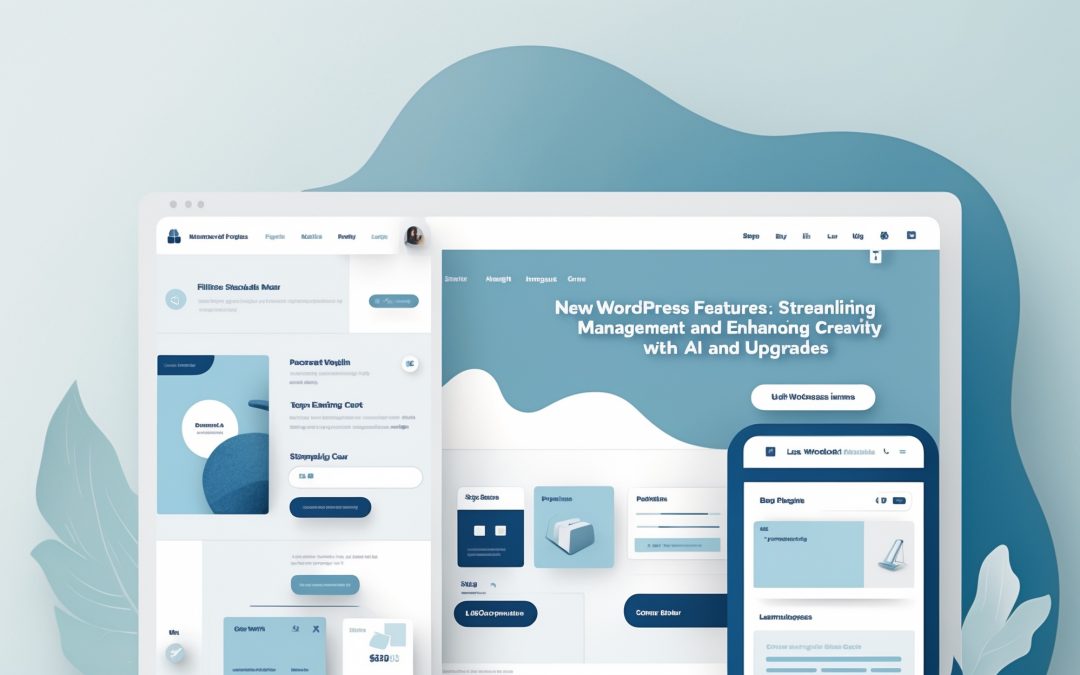
But with this fresh new layout, everything is streamlined. The persistent sidebar and top bar eliminate the frustration of endless clicking. It’s as if WordPress decided to wipe away the cobwebs and let the sunlight in; all necessary information remains just a glance away, no matter how many sites you’re juggling. Who doesn’t appreciate a little accessibility with their digital chaos? You can check out your new Hosting Dashboard and see for yourself how user-friendly it can be.
ChatGPT: Your New Right-Hand AI
Now, let’s talk about something that genuinely excites me: the integration of ChatGPT into WordPress management. I get it; technology can be daunting, like trying to decipher a foreign language without a Rosetta Stone. But ChatGPT, coupled with other MCP-compatible AI agents, is here to turn that language into something comprehensible — maybe even delightful.
Imagine this: instead of staring at a blank screen trying to muster the creative juice, you can engage in a conversation with ChatGPT, asking it to draft posts, categorize your previous efforts, moderate those pesky comments, and even assist with SEO strategies. It’s like having a personal assistant who doesn’t complain about coffee breaks. ☕ What’s more, nothing is published without your explicit go-ahead. It’s AI support that respects your creative autonomy. A true partnership, if you ask me.
We’ve all battled the blank page syndrome, and in this case, giving ChatGPT a try might just provide that nudge you didn’t know you needed.
WordPress 7.1: Smoother Than Ever
Now, what’s an upgrade without a shiny new version? WordPress 7.1 graced us with its presence on August 19, 2026, and it’s already enhancing our online experiences with newfound functions. Think of it as your digital personal trainer: skilled, motivating, and with a penchant for getting the best out of you.
Two features caught my attention particularly: First, the ability to share specific post revisions with collaborators is going to save a considerable amount of time and prevent the usual ‘What did you change, and why?’ conversations. Why not streamline teamwork and enhance communication?
Secondly, automatic notifications for internal links between posts are nothing short of revolutionary in keeping moderation queues uncluttered. Your focus should be on content and engagement, not on sifting through endless notifications. That’s efficiency, pure and simple.
Fixes and Enhancements: Fine-Tuning Your Experience
But let’s not stop there; WordPress has meticulously ironed out a dozen issues in the previous weeks. From tighter security features that add extra protection against unauthorized email changes to better management tools via Slack, it’s as if WordPress is saying, “We’ve got your back.” I feel reassured knowing that my account is safer than a vault in Fort Knox.
And staging sites, which are notoriously cumbersome, can now remain hidden by default. Unless you want them front and center, of course (because who doesn’t enjoy a bit of mystery?). Each track in your Playlist block now flaunts its own toolbar, creating a sense of independence for your creative pieces. The Reader’s groups have also transformed into ‘Shelves’, complete with their vibrant icons — a visual treat that brings order to the chaos.
In Conclusion
All these updates signal that WordPress isn’t just resting on its laurels; it’s driving innovation while respecting our need for simplicity and efficiency. As I explore these features, I can’t help but feel a sense of relief that managing a website doesn’t have to resemble an obstacle course anymore. Instead, it’s slowly transforming into a sleek stroll through a well-tended garden. 🌱 Ultimately, the introduction of tools that respect our time and creativity is something we can all appreciate — it’s about making our digital lives not just easier, but actually enjoyable.