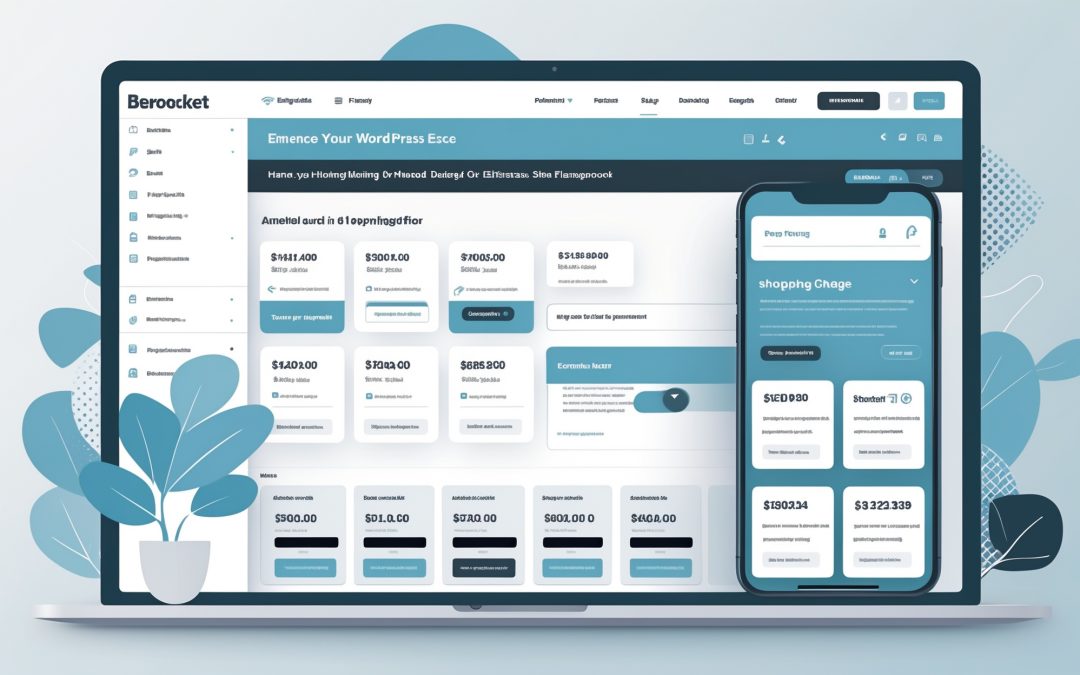
Every Site, One Click Away in the Hosting Dashboard
I know managing multiple WordPress.com sites can often feel like an exercise in futility, akin to juggling flaming torches while riding a unicycle. But fear not, fellow website wranglers! The Hosting Dashboard has received a much-needed revamp, making this once-daunting task a touch easier. Now, with a persistent top bar and an ever-present left sidebar, managing domain names, hosting details, updates, and performance stats are only ever one click away.
Navigational Nirvana: A Unified Experience
Imagine a world where you don’t need to navigate through a separate set of controls for each site you manage. Euphoria! The new dashboard allows you to work with a unified interface that follows you as you hop from one site to another. It feels decidedly familiar if you’ve ever dabbled in the WordPress Admin; a deliberate choice aligned with existing WP Admin patterns. This means less time fumbling for icons and more time actually doing the stuff that matters.
Repetition can be a cruel taskmaster, especially when managing multiple client sites. The Hosting Dashboard has recognized this plight. Routine tasks can easily pile up—think plugin updates that beckon like needy children. The old way required you to navigate out, switch sites, and start the process anew each time. Now, thanks to the persistent navigation bar, you can leap between your sites as effortlessly as a gazelle on its morning jog.
Enhanced Multi-Site Management: The Practical Implications
Switching gears between various sites now has an almost zen-like quality to it. Ever tried juggling multiple blogs or e-commerce stores at once? The hassle of checking hosting status, renewing domain names, or reviewing updates used to feel like an Olympic sport. No more! The Hosting Dashboard offers you everything in one cohesive view. Less hunting around for the proverbial needle in the haystack allows you to spend more time getting work done.
Having transitioned from self-hosted WordPress, I completely understand the resistance many feel when contemplating a move to WordPress.com. The familiarity of WP Admin is comforting—like an old sweater that still fits. The Hosting Dashboard adopts the same sidebar logic from self-hosted WordPress, which means the emotional labor of adjusting to a whole new system is drastically reduced.
One Dashboard to Rule Them All
In a delightful twist, the Hosting Dashboard scales effortlessly whether you’re managing a handful of sites or a mind-boggling 200 of them. The interface remains consistently user-friendly, which means you’ll keep the same workflow even as your portfolio grows exponentially. You won’t have to endure the horror of having to learn an entirely new navigation scheme every time you hit that magical milestone of 50 sites.
This isn’t some haphazard sprinkle of features aimed at distracting you. No frills, no fuss—just a shiny, streamlined navigational update while your sites, content, and settings remain intact. In a world where tech updates often feel like entering a labyrinth, the Hosting Dashboard offers a straight path toward productivity.
Test Drive the Enhanced Dashboard
So, how do you embrace this newfound efficiency? Easy! Just head over to your Hosting Dashboard and give it a whirl. Flip-flop between your sites and bask in the satisfaction of knowing that everything is precisely where you left it. 🙌
I can’t stress enough how crucial user feedback is during these transitions—after all, developers are humans too, occasionally stumbling in the dark like the rest of us. If you’ve got thoughts or queries, the support team is just a click away, ready to assist you in your journey to digital enlightenment.
In conclusion, whether you manage one site or a digital kingdom comprising several clients, the revamped Hosting Dashboard is about to become your best ally. It’s like upgrading from a rusty bicycle to a sleek, modern electric scooter; the power to navigate your web domain is at your fingertips, and trust me, it feels good. So, unleash your productivity, and let the Hosting Dashboard bring order to your chaotic web landscape!