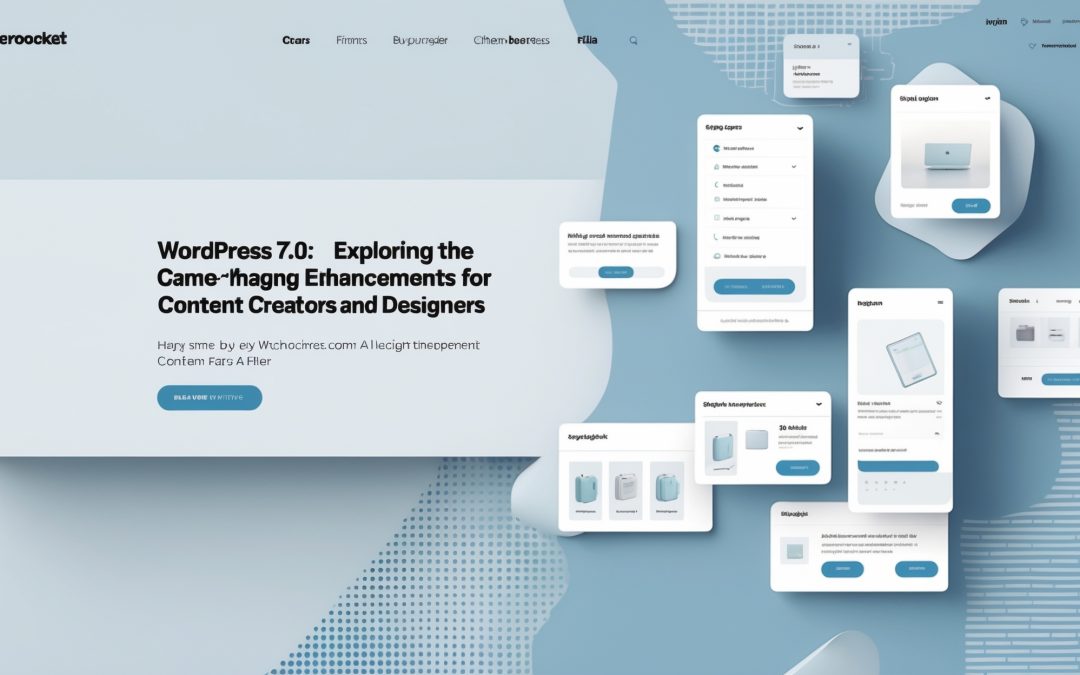
WordPress 7.0: A Sweeping Evolution
I’ve always had a complicated love affair with WordPress. It’s been a constant companion in the wild, often chaotic world of content creation. Having navigated its numerous iterations, I find myself a little giddy about the release of WordPress 7.0, aka “Armstrong.” And yes, while the buzz surrounding AI seems to steal some of its thunder, the changes here are truly substantial, affecting everything from editing and design to navigation and publishing. Let’s dive into what’s new, shall we? 🚀
A New Era of Editing
The first thing that hits me when I dive into WordPress 7.0 is the revamped editing experience. It’s like stepping into a sleek, modern workspace after years of making do in a cluttered basement. There’s something inherently simplified yet exquisitely powerful about the new block editor, which now feels more intuitive than ever.
This update enhances the flexibility of our editing processes. I know there are devout followers of classic editors, those who shudder at the thought of blocks, but Armstrong has managed to blend familiarity with fresh functionality. The new editor allows for adjustable layouts with ease. Now, resizing images, embedding media, and rearranging blocks is as seamless as a screen swipe.
With pre-designed templates, I can’t help but think this is WordPress’s way of saying, “Look, you don’t need to be a coding wizard to achieve greatness.” It’s all about empowering users, and I’ve got to say, as a frustrated designer, this has sparked a bit of joy in my otherwise mundane creative routine. 😊
Designs That Dazzle
Now, let’s move on to design. Armstrong introduces an array of new templates and design improvements that could make even the most seasoned design-freak drool. With an expanded palette of choices, the possibilities seem endless; from sleek landing pages to vibrant portfolios, I find myself nodding approvingly at the increased versatility.
The design aspect feels vastly enriched by the incorporation of advanced customization options, including better typography choices and layout adjustments. Honestly, I’ve spent hours tinkering with themes in the past, often giving up in frustration. But with WordPress 7.0, I can experiment more freely. It delivers user-friendly options that say, “Go ahead, create that masterpiece—no pressure.” 🎨
Navigation: Less Is More
Ah, navigation—the unsung hero of any site! Armstrong has made some noteworthy tweaks here that enhance user experience while presenting a sleek, clutter-free interface. It’s almost as if WordPress said, “Let’s clean up this digital mess once and for all.” The new menu system, which emphasizes usability and accessibility, makes finding what I need easier than ever.
No longer will I waste precious minutes circling around in a labyrinth of tabs and menus. Instead, the streamlined navigation allows for a more intuitive experience. I hear the cries of joy from frustrated site owners as they finally see their visitors glide seamlessly from page to page—no more cumbersome navigation preventing them from doing what they came to do.
Publishing with Pizzazz
Next comes publishing—the cherry on top of this incredible cake. Armstrong enhances collaboration and workflow management like never before. The new ‘Content Calendar’ feature has made my scheduled chaos feel controlled. I’m sure we’ve all faced the dreaded “Where did I schedule that post?” panic; with the calendar view, I can breathe a sigh of relief.
It’s now far easier to collaborate with team members, add deadlines, and track progress on posts. I find myself nodding in appreciation for this thoughtful addition; it feels less like a digital grind and more like a creative venture. Finally, I can focus on what I love most: crafting engaging content. 📝
The AI Buzz: A Side Note
Let’s talk briefly about the elephant in the room: the inevitable discussions about AI, which, I must admit, have become a bit overwhelming. Yes, AI is weaving its way into our digital lives, raising questions around content generation, SEO, and more. But here’s the truth: Armstrong showcases that while AI may draw the headlines, the heart of WordPress 7.0 lies in enhancing genuine user experiences.
I see it as a partnership rather than a takeover. The improvements in editing, design, navigation, and publishing are about making our lives easier, freeing creators to focus more on innovation and originality instead of technological headaches. At the end of the day, it’s not just about AI; it’s about fostering a community of empowered creators.
Wrapping It Up
In a nutshell, WordPress 7.0 “Armstrong” is a game changer, packed with features that serve to elevate the user’s experience and streamline the entire creative process. Whether you’re a blogger, a business owner, or just dabbling in the content creation realm, the updates are encouraging—refreshing, even. As I sit here, fingers poised over the keyboard, I can’t help but feel excited about all the possibilities this new version holds.
So, if you haven’t already, I urge you to dive headfirst into WordPress 7.0 and explore the array of enhancements waiting for you. Your creative journey just got a delightful upgrade! Happy content creating! 🎉