Unlocking the Power of Divi: 5 Command Center Essentials for Power Users
Let me start by saying that if you’ve ever felt like you were lost in the digital maze of website design, the Divi 5 Command Center is akin to finding the elusive light switch in a pitch-black room. I remember the first time I stumbled upon this feature; it was like discovering a shortcut in a seemingly interminable checkout line—suddenly, you’re breezing through like a pro. 🚀
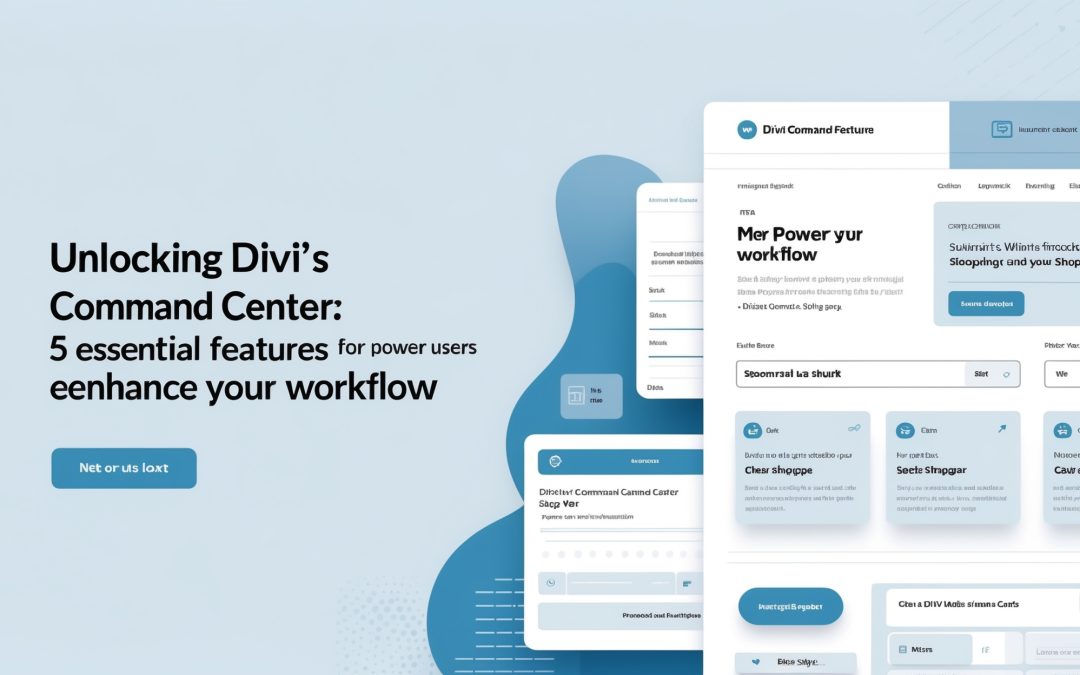
The Command Center offers a fresh perspective on how we interact with Divi. Gone are the days of frantically riffling through menus as if you’re on a scavenger hunt in your own website. With the simple press of CMD+K on a Mac or CTRL+K on Windows, power users can summon actions faster than a magician pulling a rabbit from a hat. The uncomplicated interface invites you in, greets you with options, and allows you to get straight to the good stuff. It’s streamlined, it’s efficient, and most importantly, it respects your time.
1. Instant Access to Settings
Imagine this: you’re in the groove, building a stunning layout, and then—bam!—you need to tweak some settings. In the past, I would have been mired in settings menus, scrolling endlessly, questioning my life choices. But with the Command Center, I simply press CMD+K, type “settings,” and in seconds, I’m right where I need to be. It’s astonishing how such a simple function can transform your workflow, making the tedious seem effortless.
2. Quick Page Navigation
One of the most exhilarating aspects of the Divi 5 Command Center is its ability to let you navigate your pages like a seasoned athlete dodging obstacles on a racetrack. I’ve often found myself working on multiple pages, only to get tangled in the web of tabs and windows. The Command Center allows me to sift through my page options swiftly. One little command, and I can jump between pages faster than you can say “where’s the save button?”
Let’s be candid: who wants to waste time when there are artistic visions to be brought to life? ⏳
3. Embrace the Search Functionality
Ever spent what feels like an eternity searching for a specific module or setting only to realize you don’t quite remember which tab it’s under? The Command Center’s fantastic search functionality is a game changer—it allows you to find modules within seconds. I simply type in what I’m looking for, and voilà, it’s like having a butler at my fingertips, presenting me with choices on a silver platter. Whether I want to add a new text module or fine-tune an existing one, the Command Center streamlines the entire process.
4. Access to Keyboard Shortcuts
For those of us who consider ourselves power users, keyboard shortcuts are the holy grail of efficiency. The Command Center makes it easier to remember and utilize these shortcuts, transforming our work from a casual stroll into a full-on sprint. I find that the more I use it, the more intuitive it becomes. Instead of fumbling with my mouse or trackpad, I can pull up various shortcuts with a quick search. This feature speaks to the heart of Divi’s philosophy: make things easier so that your creativity can flourish.
5. Integrated Help Options
Finally, let’s not forget about help options. We’ve all been there—staring blankly at our screens, drowning in options, wondering what on earth we’re supposed to do next. With the Command Center, accessing help is just a few keystrokes away. Whether you’re looking for specific documentation or need a little nudge in the right direction, the integrated help options save the day. In an age where time is money, these quick fixes are golden and allow me to focus on what matters most: creating stunning content!
Conclusion: A New Age of Web Design With Divi
In conclusion, the Divi 5 Command Center is nothing short of a digital revolution for anyone serious about their website design journey. By transforming cumbersome tasks into seamless actions, I’ve come to appreciate the powerful capabilities this simple feature offers. It turns a once overwhelming platform into a navigator’s delight, bridging the gap between inspiration and implementation.
If you haven’t dipped your toes into the Command Center yet, I urge you—go ahead and dive in. It’s about time we stopped getting bogged down by operational stress and started enjoying the pure, thrilling creativity that web design should be about. It’s time to embrace the future of Divi, my fellow creators, and let the Command Center carry us toward uncharted territories of possibility! ✨