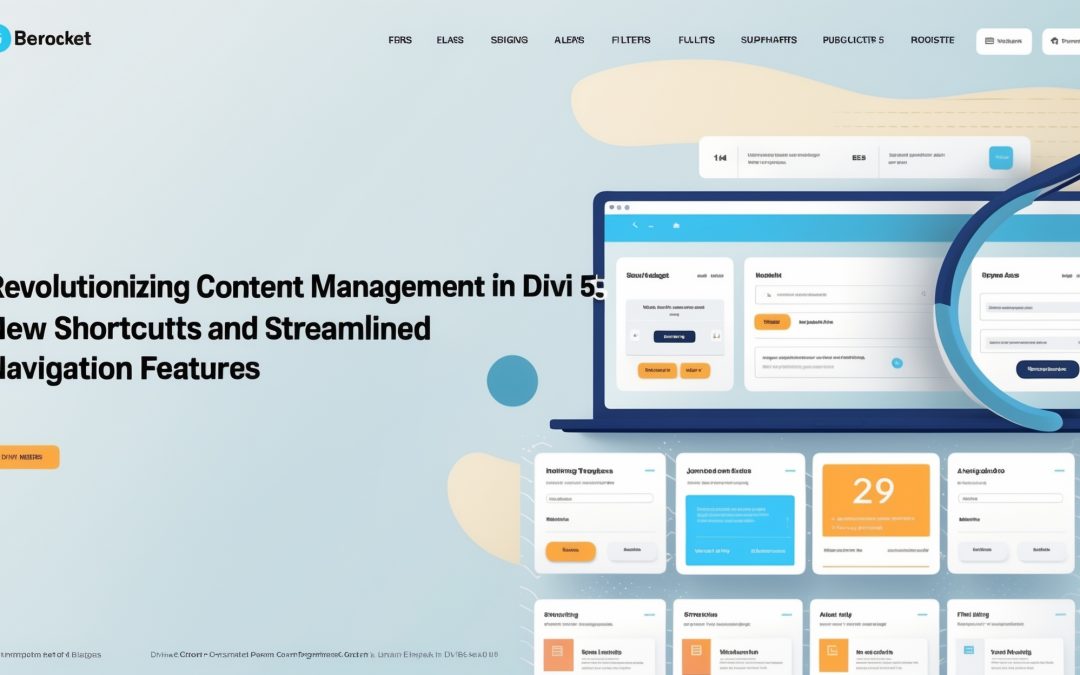
Effectively Navigating Content in Divi 5: New Shortcuts & Content Drill-Down
I know the feeling all too well. You’ve clicked into a module, ready to change some text, and then you realize that a neighboring module needs your attention too. Close the settings, swing over to the next module—rinse and repeat. It’s a digital version of whack-a-mole, and frankly, it’s infuriating. But fear not, Divi 5 has heard our cries and has introduced new shortcuts and features that actually make navigating your content less of a chore and more of a streamlined experience. 🎉
The Age-Old Dilemma: Module Management Madness
Anyone who has spent any time customizing their Divi sites knows the pain of continuously opening and closing module settings. You can almost hear the faint echo of your own sighs as the same exhausting process unfolds: click, edit, close, search—repeat. It’s a tedious cycle reminiscent of trying to force a cat into a bath—inefficient and prone to melodrama.
Yet, amidst my frustrations, I’ve come to appreciate the silver lining of these agonizing moments. They’ve compelled me to seek effective methods and shortcuts. Thankfully, Divi 5 has integrated features that promise to fundamentally change this experience—making us all a bit saner in the process! 🧘
Meet the New Shortcuts
Divi 5 has introduced a range of look-at-me-now shortcuts that can only be described as game-changers. For those of us who like rapid-fire edits, these new tools herald a much-welcome shift toward nimble navigation.
Just imagine: a single click could take you to the next module without having to bury yourself in repetitive steps. That’s right, no more making your way through an endless labyrinth of settings. Instead, with the new content drill-down feature, I can swirl through rows and columns with streamlined elegance. 🌀
But what do these shortcuts look like in practice? Well, for starters, I no longer need to open and close settings like I’m attempting a do-it-yourself puzzle with missing pieces. Instead, Divi 5 offers keyboard shortcuts and mouse tricks that mean I can engage with multiple modules in a matter of clicks instead of minutes.
The Marvel of Content Drill-Down
The concept of content drill-down is an unprecedented twist in the Divi saga. With the ability to expand your workspace right from the inside of the module, I’ve discovered an entirely new level of efficiency. Instead of painstakingly revisiting the main content area, I can click through content layers to edit in real-time. It’s as if someone finally tore down the walls that had been barricading me from my own creativity.
Imagine diving into a layout and feeling completely unfettered. Tasks that used to take what felt like an eternity now unfold in a time frame that barely registers. I’m able to focus on the overall aesthetics and fluidity of my site rather than the minutiae of module management. This feature alone has propelled my workflow into the realm of rapid design!
Creating Without Compromise
A friend recently posited—why should website building feel like running a marathon? Why can’t it be a breezy stroll in the park? With the new features in Divi 5, I truly think that each step we take feels less like a laborious jog and more like a casual saunter toward design triumph.
I consider these enhancements as vital tools in our creator arsenals. As a content creator, my goal has always been to engage, inspire, and inform—without losing sanity in the process. Divi 5 has bolstered that quest.
We can now sculpt our ideas and content without the prior limitations that had threatened to ensnare us in digital ennui. The shortcuts and drill-down features have not only minimized my clicks but maximized my creative output. The balance between form and function now shines brightly on the horizon! 🌅
Conclusion: A New Era of Efficiency
So, as I reflect on these developments, I can’t help but admire the evolution of Divi. The latest updates serve as a timely reminder that even the most mundane aspects of content management can be transformed into a joyous venture. No more will our digital lives be tethered by cumbersome processes.
With the new shortcuts and content drill-down features, I now possess an exhilarating sense of control over my design projects. If only I had more days to explore these advancements! But for now, let’s bask in the clarity this new vision offers, helping us navigate our content with ease and finesse. After all, who would have thought that an evolved tool could pivot my experience from frustration to inspiration? ✨